SEO Migration Checklist: Before, During and After Launch
Use this website migration SEO checklist to map URLs, assign launch checks, test redirects, and review results. Includes an editable migration workbook.
Updated
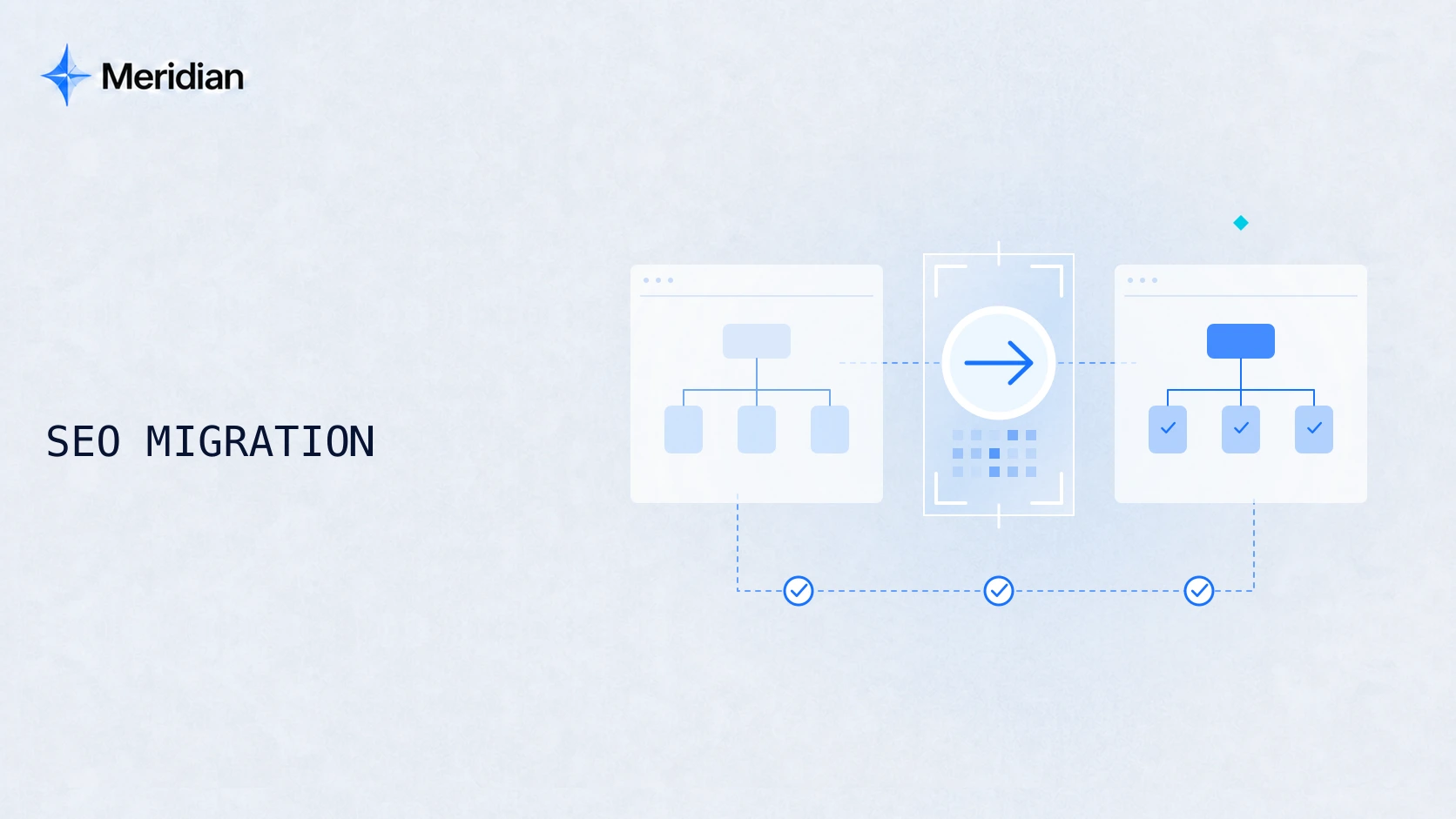
An SEO migration checklist helps a team carry useful pages, their search signals, and customer journeys through a website change. It should tell you what to inspect, who owns the work, what counts as a pass, and what happens when a check fails.
This guide covers domain changes, CMS moves, redesigns, and URL restructuring. Use it with the editable migration workbook. The examples are fictional planning exercises; they are not customer results or a promise that traffic will remain unchanged.
Define the migration and its owners
Write a one-paragraph change brief before collecting tasks: what is moving, why, which sites and languages are involved, the intended launch window, and which decisions are already fixed. A new design with unchanged URLs needs a different scope from a domain change combined with a new CMS.
For example: “Move the public marketing site to a new CMS, keep the existing domain, preserve pricing and product URLs, and reorganize the guides. The application and billing system stay on their current infrastructure.” That makes the boundaries concrete enough to review.
Assign three responsibilities: an SEO owner for requirements and validation, a developer for implementation and technical recovery, and a release owner for the launch decision. One person may cover several roles, but each decision needs an owner.
Separate unrelated changes where practical. If hosting alone changes and public URLs do not, use an infrastructure-focused check rather than inventing redirects. Confirm that everyone can reach the test environment and that the team has a usable recovery procedure before setting the final release window.
Before launch: record the baseline
Keep a dated record of the old site while it is still available. Include the website crawl, CMS exports, available Search Console and analytics data, and the pages your sales or product team considers essential.
Organize the evidence by page group. Product pages, pricing, guides, language versions, and downloads have different jobs. An overall traffic total cannot tell you which of those jobs was affected by a move.
For each important page, capture:
- Its current URL, purpose, title, main content, and expected next action.
- Available search queries, clicks, impressions, and leads, with their dates and definitions.
- Links and assets that need to remain accessible, including useful downloads.
- The planned change, implementation owner, and evidence needed to confirm it worked.
Choose comparable reporting windows and note campaigns or seasonal changes. For a small site, low counts may make daily percentages misleading. Keep the raw counts alongside the rate and annotate the launch date. Do not make missing conversion history look like zero leads.
The technical SEO audit service is a useful starting point when you do not yet know which existing problems a move would carry forward.
Build the URL mapping
Give each old URL a decision: keep, move, combine, or retire. The destination must answer the visitor's original task. A page that merely exists is not automatically an appropriate replacement.
The following example uses paths on a fictional SaaS website. For a domain move, include the full old and new addresses in the working file.
Swipe horizontally to view the full record.
| Decision | Old path | New destination | Expected response |
|---|---|---|---|
| Keep | /pricing | /pricing | 200 |
| Move | /features/team-planner | /product/team-planning | 301 → 200 |
| Combine | /guides/team-calendar | /guides/project-planning | 301 → 200, after content review |
| Retire | /events/2022-demo | No useful replacement | 404 or 410 |
The combined guide should actually include the useful calendar material. An expired event should not be sent to an unrelated homepage simply to eliminate an error from a report.
For permanent moves, Google supports server-side permanent redirects, including 301 and 308. Test the old address and final response, not just the presence of a rule in the CMS. See Google's redirect documentation.
Add fields for the decision reason, content review, implementer, test result, and retest date. Separate an expected response from an observed one. A row marked “301 → 200” is still a plan until someone tests it.
Test the new site before release
Review representative templates and all agreed priority paths in the test environment. A functioning homepage does not establish that product pages, localized navigation, or a booking form work.
Start with content parity: does the new page preserve the intended topic, meaningful body content, useful images, and the customer's next step? Then check page titles, indexing directives, canonical URLs, language annotations where relevant, structured data, and internal links for consistency with the plan.
Keep the test environment protected. Separately document which development restrictions must be removed from production. Removing a protection rule everywhere is not the same as configuring the public site correctly.
Try the actual visitor journey on desktop and mobile. Enter a product page, follow a contextual link, change language midway through reading, return with browser navigation, and open the contact path. If a redesigned button sends people to the wrong language or loses their context, a successful HTTP response will not reveal it.
Illustrative blocking issue: the new pricing page returns 200 but inherits an X-Robots-Tag: noindex header. The developer corrects the production rule; the SEO owner retests both the response and page. The release owner holds launch until that agreed blocker passes. This is a demonstration of a decision record, not a test of a customer site.
Launch-day checklist
Recheck the public site after deployment. Staging results are useful preparation; they cannot prove what was actually released.
Swipe horizontally to view the full record.
| Check | Owner | Evidence to retain |
|---|---|---|
| Priority old URLs reach the intended destination | Developer + SEO | Old URL, redirect response, final URL and response |
| Public pages have the intended indexing and canonical signals | SEO | Response and rendered-page observations |
| Content, navigation, language switching, and contact paths work | Content + QA | Actual start, click, destination, and device |
| Agreed measurement still records the right actions | Analytics owner | A controlled event check, with test activity identified |
| Outstanding issues have a release decision | Project owner | Fix, delay, or accepted exception; owner and next review |
For a domain or subdomain move, check whether Search Console's Change of Address tool applies and confirm access to the necessary properties. The tool is not used for path-only changes, HTTP-to-HTTPS moves, or a www/non-www switch on the same domain. Follow the tool's current eligibility and setup instructions.
Update the sitemap to reflect the intended live URLs. Google recommends retaining redirects for at least a year in its site-move guidance. Assign someone to maintain the old domain and redirect infrastructure beyond the project's immediate support period.
After launch: review the affected pages
Agree the monitoring window and checkpoints as part of the migration plan. An immediate technical review, a follow-up after initial crawling, and a later performance review answer different questions. Their timing depends on site size, data volume, and the changes involved.
At each checkpoint, separate three observations:
- Delivery: Did the planned pages and fixes ship, and do the checks pass?
- Search: Which page groups and queries gained or lost visibility and clicks?
- Business: Can customers still contact you, and what happened to actual inquiries?
Google notes that rankings can fluctuate while a site move is processed. That does not explain every decline, and it does not justify ignoring broken pages. Compare the affected groups with the baseline and preserve a dated issue log. A technical pass and a performance recovery are separate results.
If traffic drops after a migration
First establish where the drop appears. If analytics sessions fall but Search Console clicks remain similar, investigate measurement and reporting differences before concluding that rankings collapsed. Check comparable dates and account for reporting delays.
If both decline, inspect the affected page groups. Did a useful page disappear, lose its core content, redirect to the wrong destination, or become difficult to access? Is the problem concentrated in one template, market, or device? Turn each hypothesis into a specific URL check.
For a new URL that has not entered the index, use the discovered, currently not indexed guide to organize the evidence. Avoid assuming that submitting a URL again resolves the underlying issue.
A recovery action should have a reason, an owner, and a retest. Do not reverse the whole move reflexively; the development and project owners need to consider which changes are safe to undo and how that would affect customers and data.
Agree support and handover
A usable handover contains the final map, completed checks, open issues, baseline comparisons, and the people responsible for ongoing maintenance. Define the support end date and what happens if another release changes the agreed scope.
If you need help coordinating this work, explore Meridian's SEO migration services. The page shows the delivery structure, team responsibilities, and the information needed to scope a project. Bring the website, migration type, current stage, and intended launch date.
You can also download the editable workbook and use it with your existing team. It includes blank fields for owners and results; no checks are marked complete for you.